System Info Dashboard
Every number a support ticket ever asks for — PHP, MySQL, memory, extensions, cron, disk — on one page you can copy in one click.
What it does
PHP, MySQL, server, WordPress, theme, plugins, memory, upload limits and loaded extensions.
A formatted block ready to paste into a ticket or an email.
Values below recommended thresholds are flagged in place.
Every scheduled event, when it last ran, and whether it is overdue.
Sizes for uploads, database tables and the whole install.
Which WordPress constants are defined and what they are set to.
Half of every support conversation is spent establishing what the server actually is. PHP version, memory limit, which extensions are loaded, whether cron is firing.
System Info Dashboard collects all of it on one screen and gives you a copy button that produces a clean, pasteable report. It also flags the values that are below what WordPress recommends, so problems show up before someone opens a ticket about them.
Specifications
| Requires | WordPress 6.0+, PHP 7.4+ |
|---|---|
| Checks | 80+ values |
| Export | Plain text, Markdown, JSON |
| Access | Administrators only |
Questions about this product
Is any of this sent anywhere?
No. It is read and displayed locally, and only leaves the site when you paste it somewhere.
Goes well with
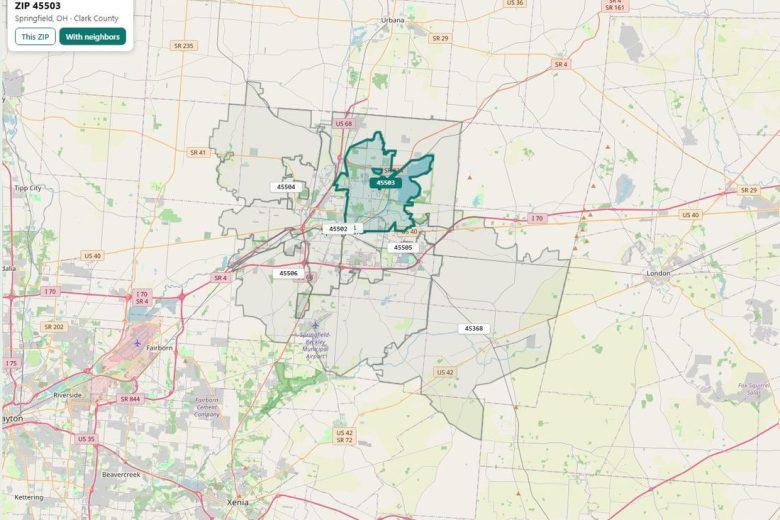
Cybercom ZIP Pro
The real ZIP boundary on a live map — the thing no other ZIP plugin does — plus district outlines, the full…
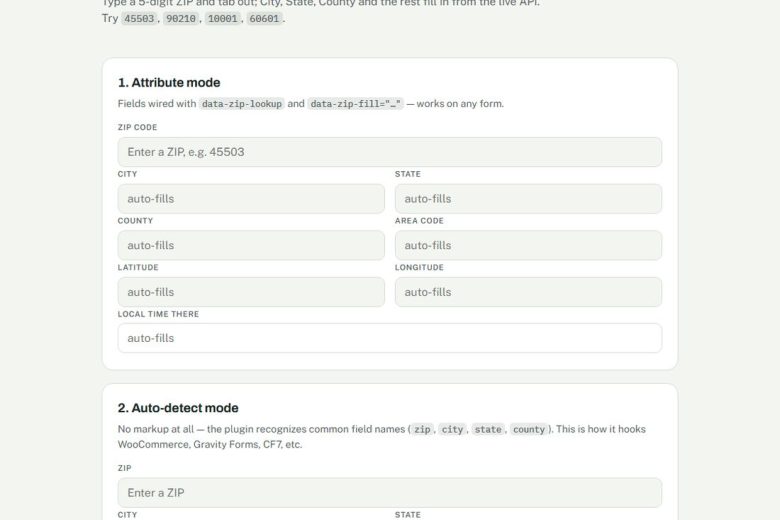
Cybercom ZIP Autofill
Free ZIP-code autofill for any form — city, state, county and area code fill themselves in. Plus the [zip_info] and [zip_time] shortcodes.
Habit Tracker
A mobile-first habit tracker that builds your day around your real calendar and closes the gaps when you finish early or run…